

Appearance
Password
Change your password in Settings → Security, under Change password.
- Enter your current password. Type the password you use now.
- Choose a new password. A live checklist confirms it meets each requirement: 10–128 characters, with an uppercase letter, a lowercase letter, a number, and a special character.
- Confirm and save. Retype the new password, then select Change password. The button reads Changing… while it saves, and you'll see "Password changed successfully."
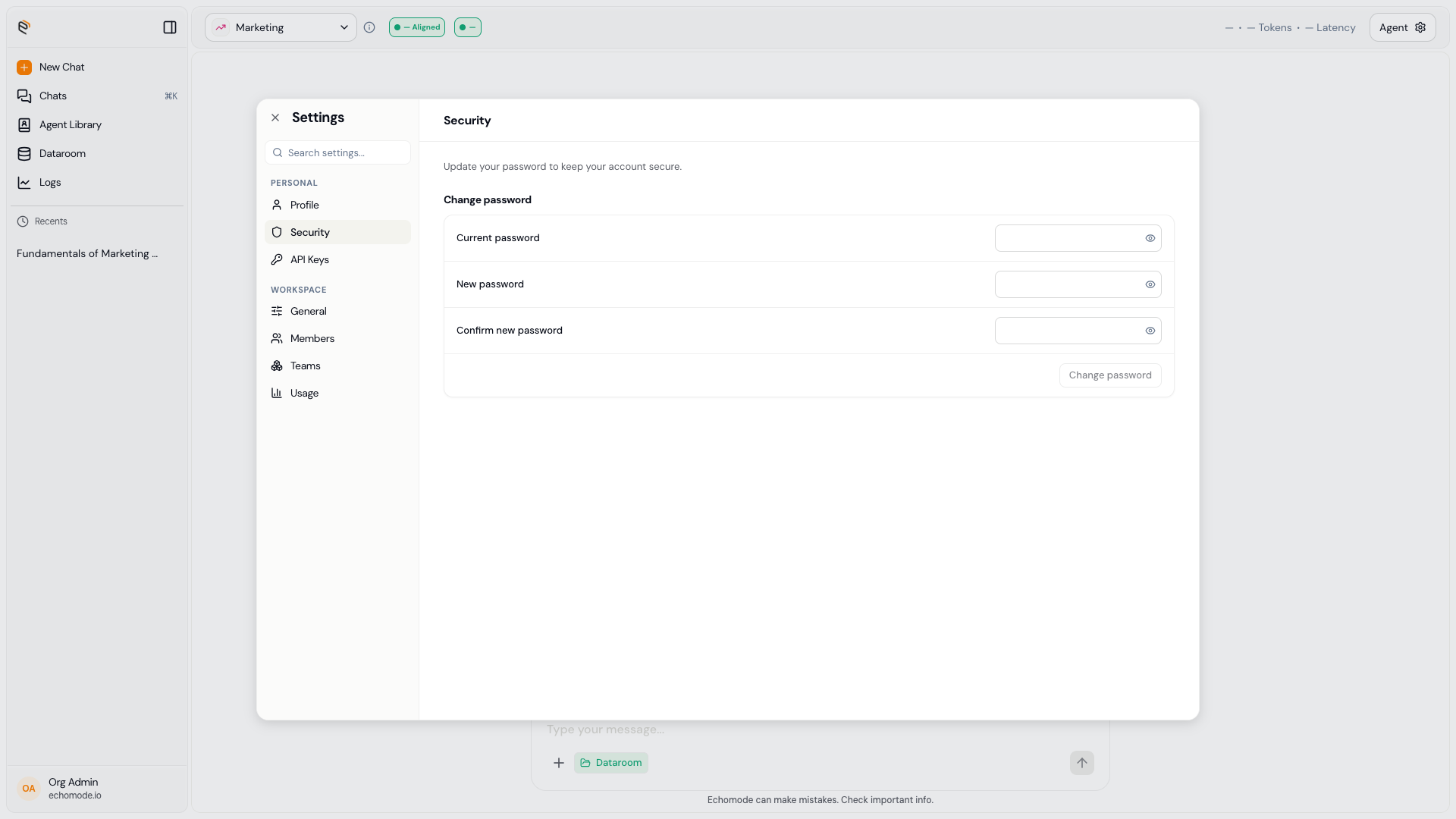
Settings › Security: change your password with a live requirements check.
INFO
If you sign in with Google, you may not have a password to change here — just keep using Sign in with Google. See Create your account.