

Appearance
Profile & avatar
Your profile is in Settings → Profile. It's where you set how your name and photo appear across the workspace.
Edit your name
Update your first name and last name, then choose Save profile. Your display name (shown in the sidebar and across the workspace) and your email are built from your account and shown read-only here.
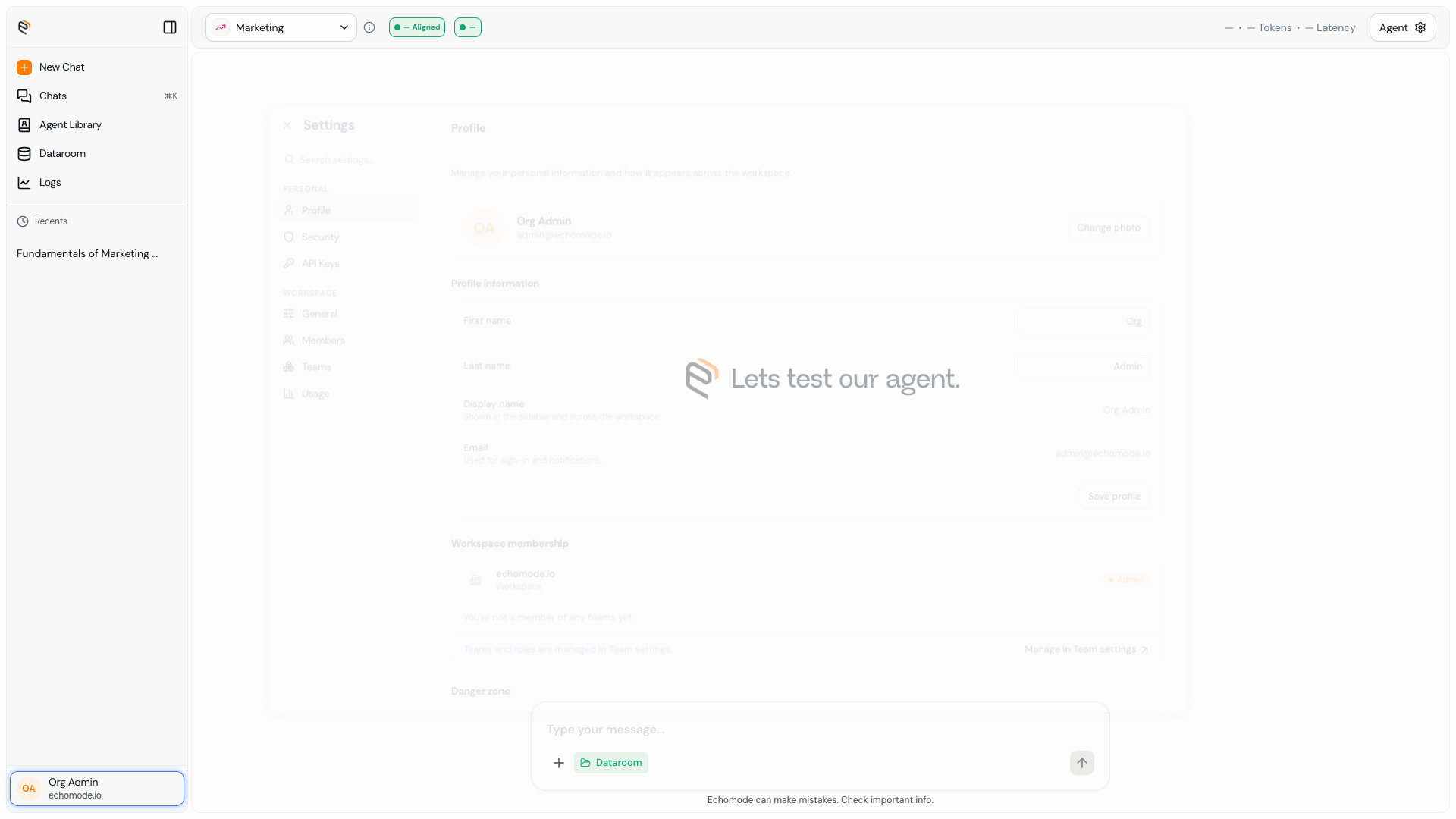
Settings › Profile: your photo, name, and account details.
Change your photo
Select Change photo and pick an image. EchoMode accepts JPEG, PNG, WebP, or GIF, under 5 MB. You can remove your photo to go back to your initials.
See your workspace membership
Your Profile panel also shows the workspace you belong to, your role in it, and the teams you're on. To manage the organization itself, see Org settings.
INFO
Need to close your account? Account deletion is handled by support — contact support@echomode.io and they'll remove your account and data.