

Appearance
Managing chats
All your conversations live in the sidebar on the left.
Your chat list
The sidebar lists your recent chats, newest first. A chat's title comes from your first message, so conversations are easy to recognize at a glance. Select any chat to reopen it and keep going. A chat with a tool agent opens read-only (see Choosing an agent).
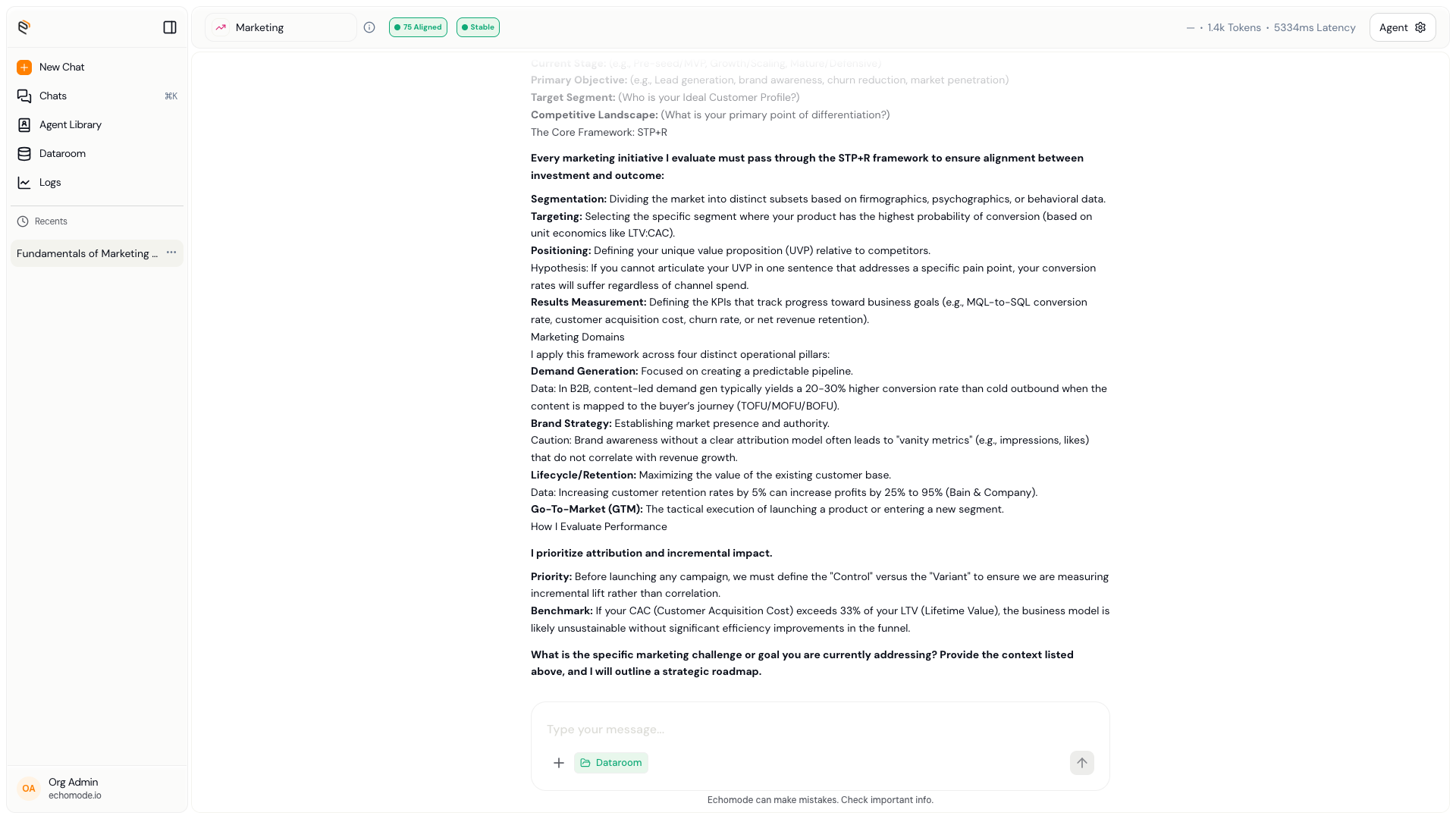
The sidebar keeps your recent chats, newest first.
Pin a chat
Open the chat and choose Pin chat from the ⋯ menu in its header. The chat joins the Pinned group in the sidebar, so you can jump back to it from anywhere - see Pinned items. Unpin chat in the same menu removes it. A new chat's pin shows the generated title as soon as EchoMode names it.
Rename and delete
EchoMode can rename and remove chats. Where these controls appear can vary by build — look for them on a chat row (often on hover, or via a small menu).
INFO
If you don't see rename or delete controls in your sidebar yet, they may not be surfaced in your version.
Revisit a chat's drift history
Every conversation keeps a detailed record of how on-topic it stayed. Open the Logs page to see a chat's alignment scores over time, round by round. See Reading the signals for how to read it.
This record is complete even for long chats. Once a conversation grows past what the model can read at once, EchoMode summarises the older turns for the model — but the transcript on screen and the round-by-round history in Logs still hold every exchange.