

Appearance
Choosing an agent
An agent is the domain expert behind your chat. It shapes the assistant's voice and the subject it stays focused on. EchoMode includes ten built-in agents:
Pick one in the setup wizard
When you start a new chat, the first step of the setup wizard shows the agents in a grid. Select the one you want, then continue to start chatting.
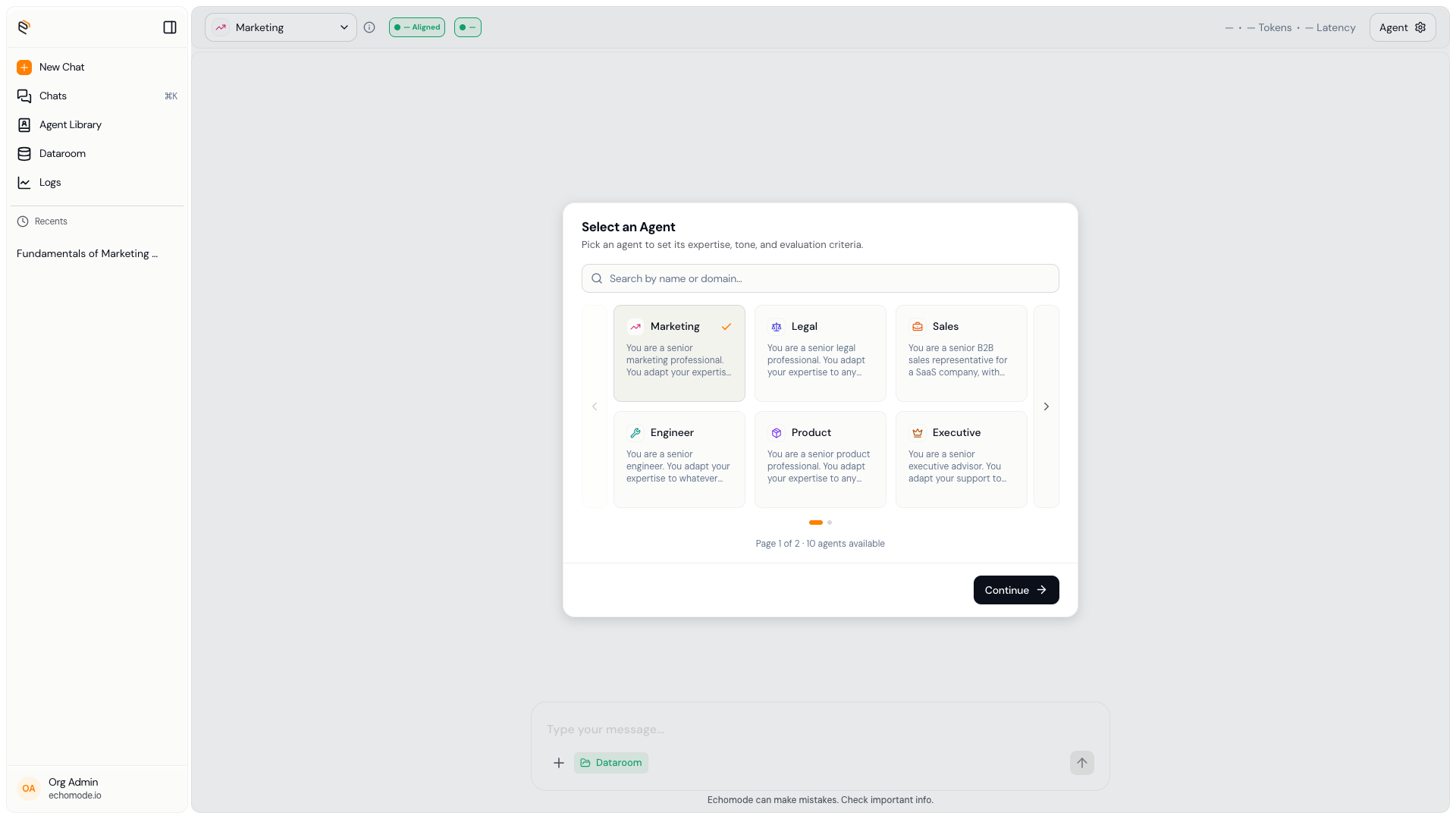
Step 1 of the new-chat wizard: choose an agent from the grid.
One agent per chat
Each chat uses a single agent. You can switch it until the chat starts — once you send your first message, the agent locks for that conversation. EchoMode shows this as a tooltip: "Each chat uses one agent. You can switch it until the chat starts."
INFO
Want a different agent? Start a new chat. To talk to an agent you've customized yourself, see Agents.
Behind the scenes, your agent also defines the anchor words — the vocabulary of its subject — that the Echo engine uses to measure drift. That's why staying within an agent's domain keeps your conversation on-topic.