

Appearance
Create a dataroom
The Dataroom is where your documents live. It's a workspace of folders and the documents inside them — the same documents you can later bring into a chat as a knowledge base.
Open it from the Dataroom destination in the app. You don't create a "dataroom" as a separate object — you organize your space by creating folders and uploading documents into them.
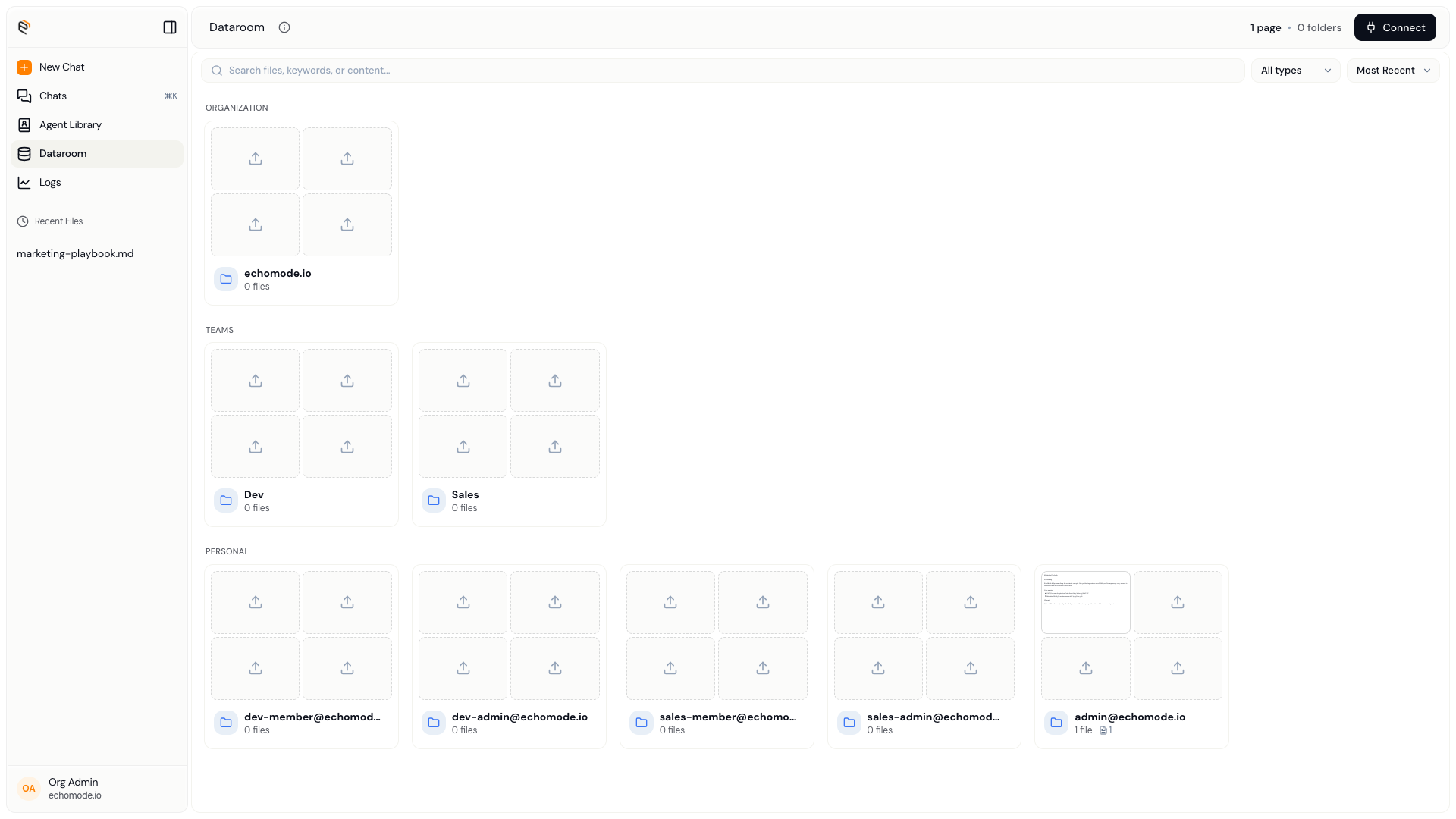
The Dataroom: your folder tree and the documents inside.
Create a folder
- Select Create. In the Dataroom, choose Create to make a new folder.
- Name it. Enter a name for the folder.
- Choose where it goes. Pick the parent folder it should sit inside, then confirm. EchoMode confirms with "Created <name>."
INFO
Your workspace starts with folders at the organization, team, and personal levels, created for you automatically. Personal folders are yours; team and organization folders are shared according to your role.
Next: upload and manage documents.