

Appearance
Viewing a document
EchoMode gives you two ways to look at a document, plus a download.
Quick view
Single-click a document to open the quick-view panel on the side. It shows the document's name, a preview, and its details — handy for a fast look without leaving the folder.
Full view
Double-click the document, or choose Open full view from the quick-view panel, to open it full screen. EchoMode renders the document's text, a PDF preview, or the image, and gives you a Download button for the original file.
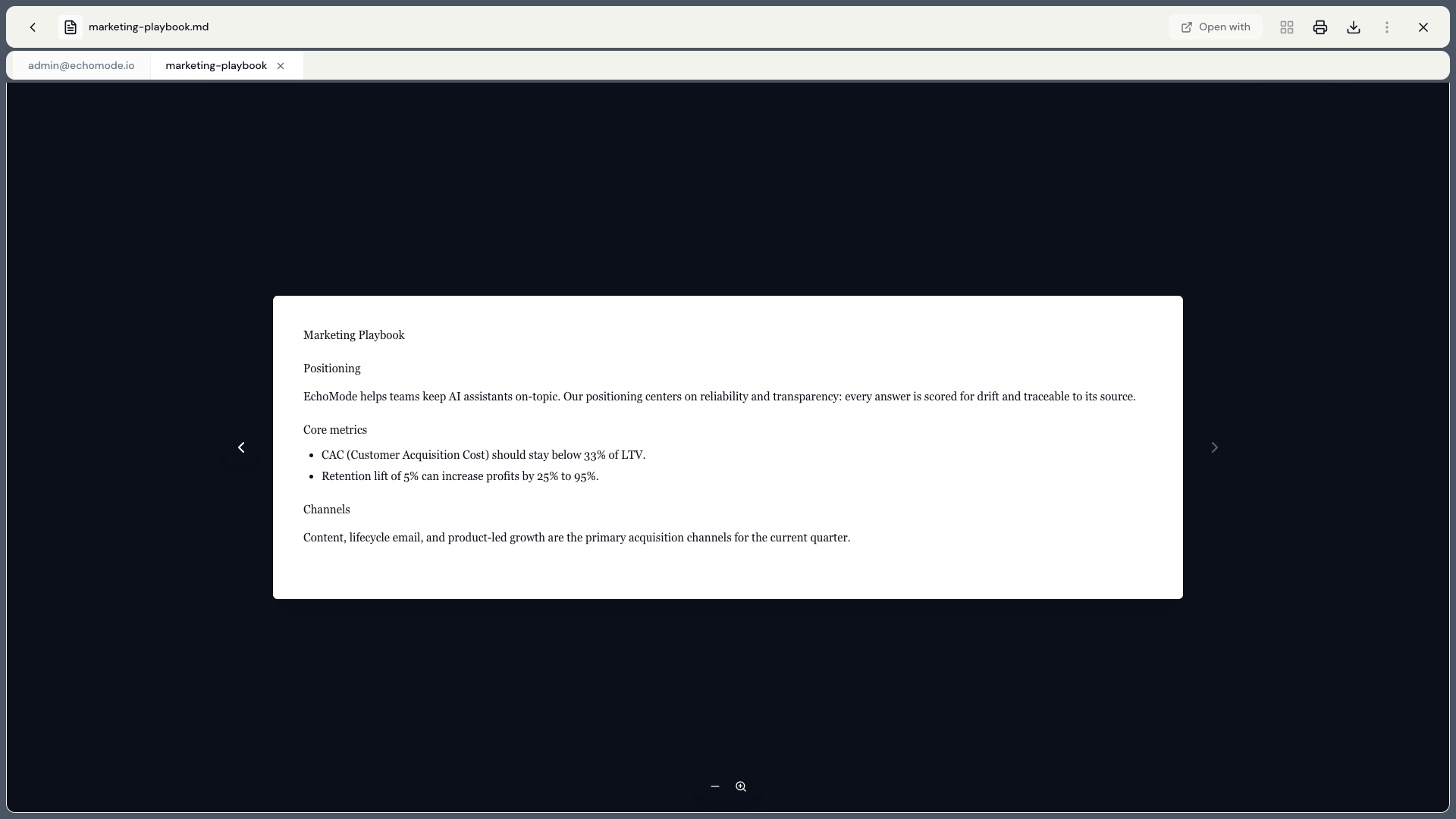
Full view: the document rendered full screen, with a Download button in the top bar.
From a chat citation
When the assistant answers from your documents, it adds numbered citations like [1] and [2]. Selecting a citation brings you here, to the cited document, with the relevant passage highlighted — so you can always check the source. See How search works.