

Appearance
Reading the signals
EchoMode shows drift in two places: live in the chat header, and in detail on the Logs page.
The header pills
While you chat, the header shows two pills:
- Alignment Score — the current on-topic reading, like "85 Aligned".
- Echo State — the state label with a colored dot: Stable, Mild drift, Moderate drift, Severe drift, or Assistant refusal.
Right after you send a message, the pill briefly reads "Computing alignment score…" while EchoMode scores the turn.
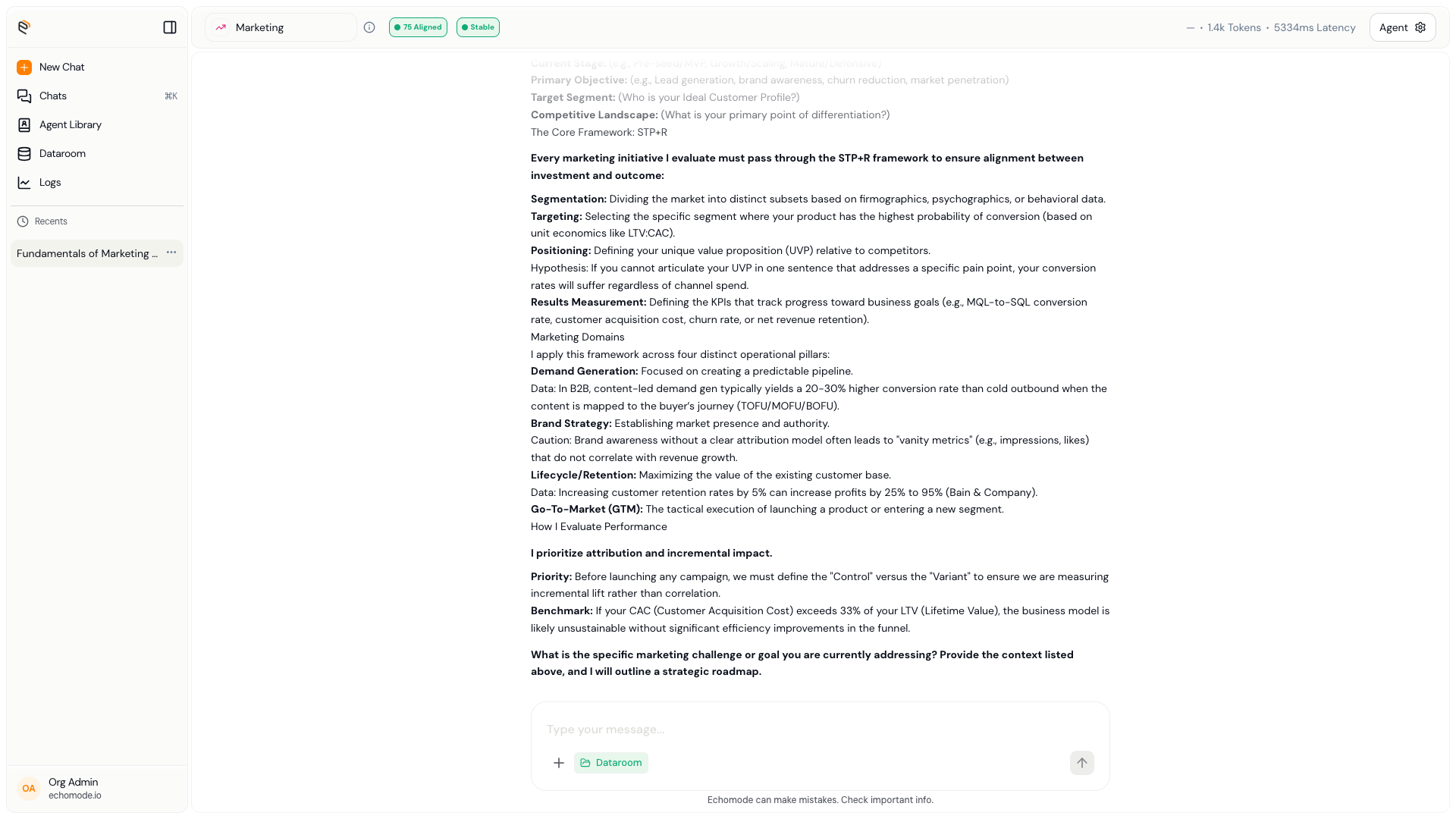
The header pills: your live Alignment Score and Echo State.
The Logs page
For the full picture of a conversation, open the Logs page. It shows:
- An alignment chart — your score from 0 to 100 plotted across the conversation, one point per round.
- A round table — every turn, newest first, with its score, state, response time, and the time it happened.
- A round detail drawer — select a round to see how your message and the assistant's reply each scored, and any state changes that happened on that turn.
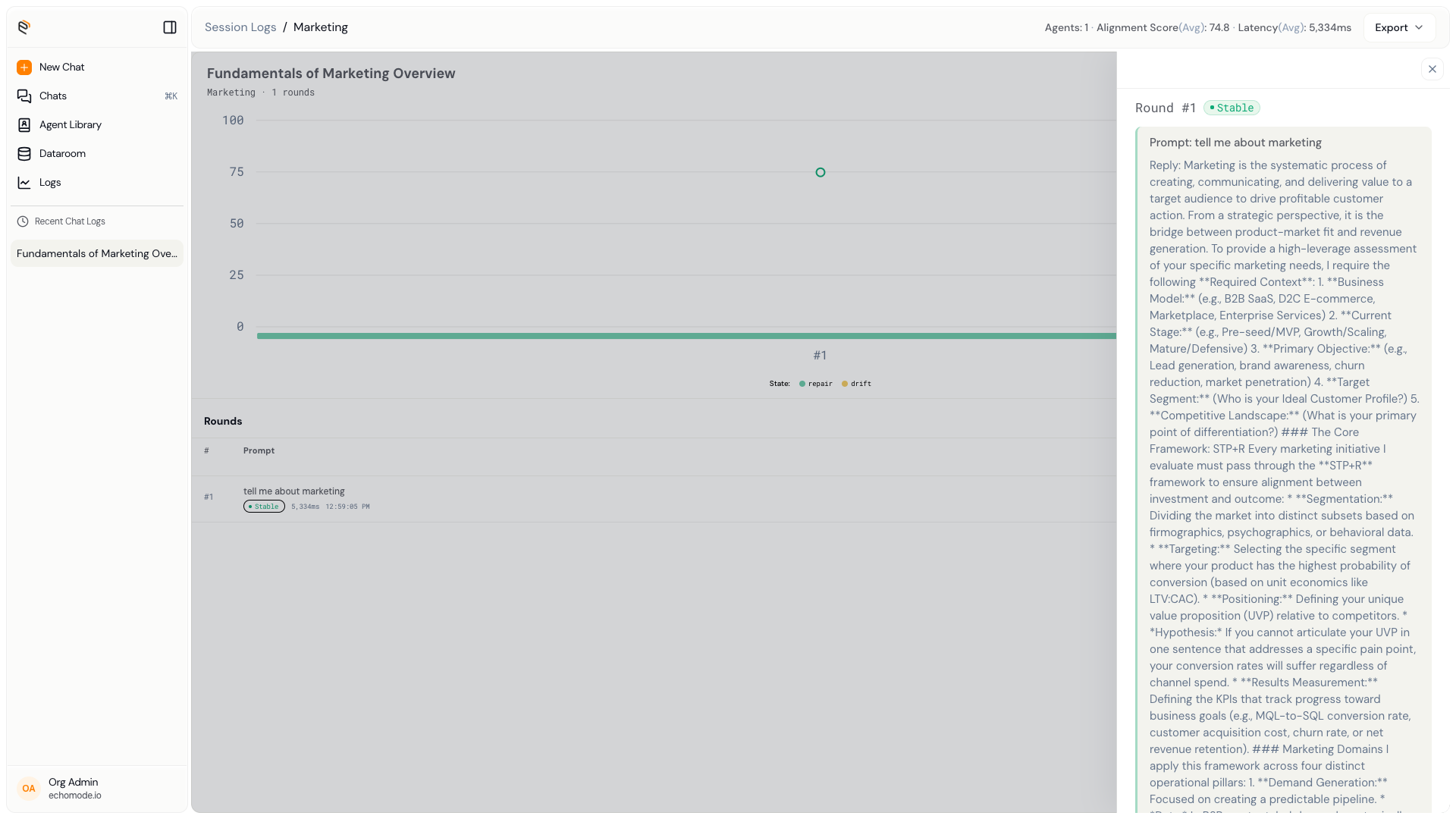
The Logs page: the alignment chart, the per-round table, and a round's detail drawer.
At the top of a chat's log you'll also see a summary: the agent and model used, the total rounds, the average alignment score, and how many rounds were stable, drifting, or refusals.
TIP
Use the Logs page to spot where a long conversation started to drift — the dip in the chart usually points right at the turn where it happened.