

Appearance
Upload & manage documents
Upload a document
- Select the
+button. In the Dataroom, choose the+button to add one or more files. - Pick your files. EchoMode ingests plain text files and PDFs (PDFs are converted to text for you). Other file types may be recognized, but text and PDF are what get indexed for search.
- Choose a destination. The document lands in the folder you're in, or in your personal folder by default.
Watch it process
After upload, each document is prepared for search in stages. You'll see its status move through Parsing…, Chunking…, and Embedding… before it's ready to use.
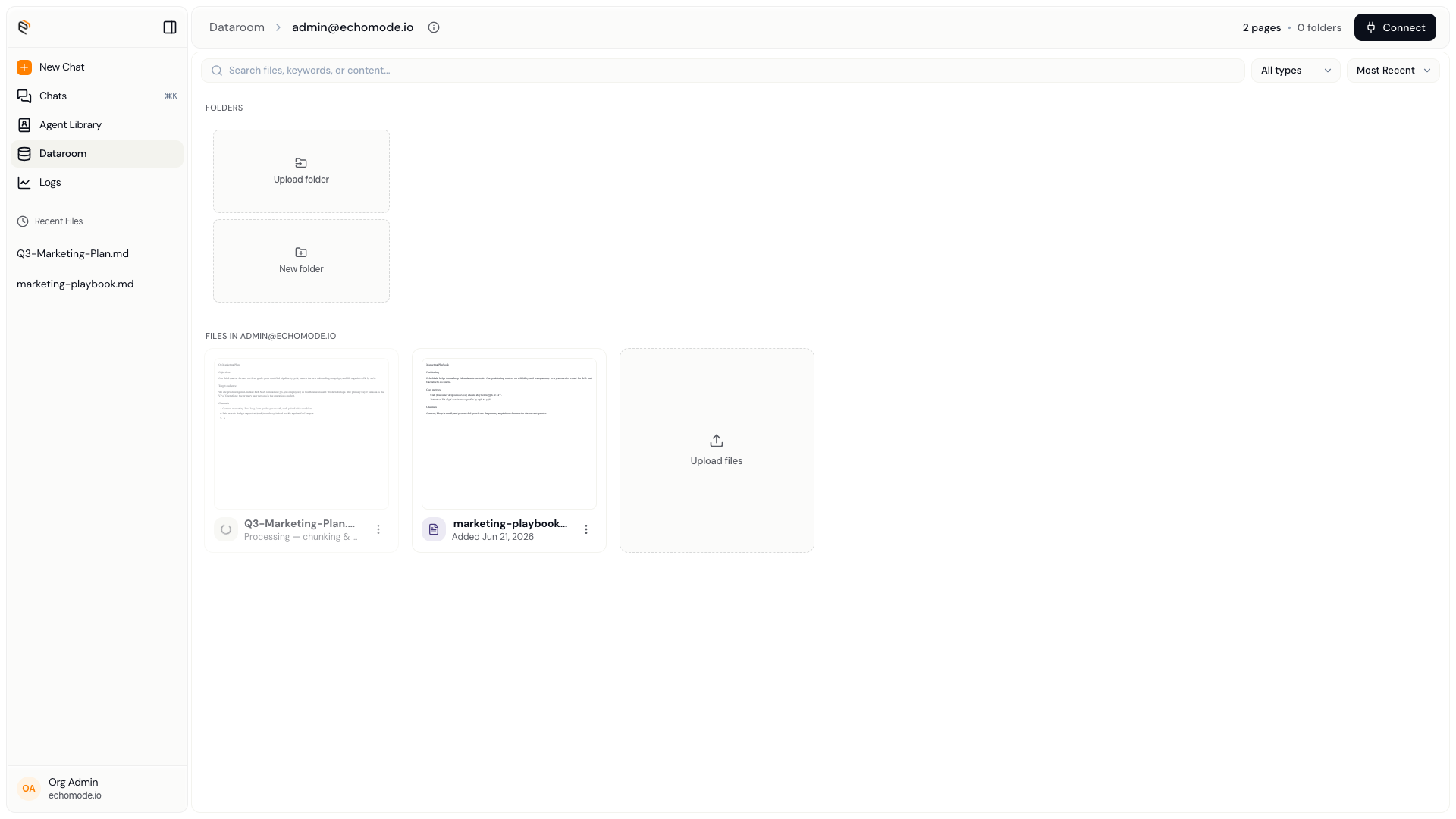
A freshly uploaded document showing its processing status.
Manage documents
Use a document's context menu to:
- Rename — give it a clearer name.
- Move to… — send it to a different folder.
- Delete — remove it. EchoMode asks you to confirm with Delete "<name>"?
You can rename and delete folders the same way.
WARNING
Deleting a document also removes the indexed pieces of it that the knowledge base uses, so it can no longer be cited in chats. This can't be undone.