

Appearance
Org settings
Your workspace is organized in three levels:
Organization → Teams → Members. Everyone belongs to the organization; teams group people within it; and a person can be on more than one team.
You manage all of this under Settings → Workspace.
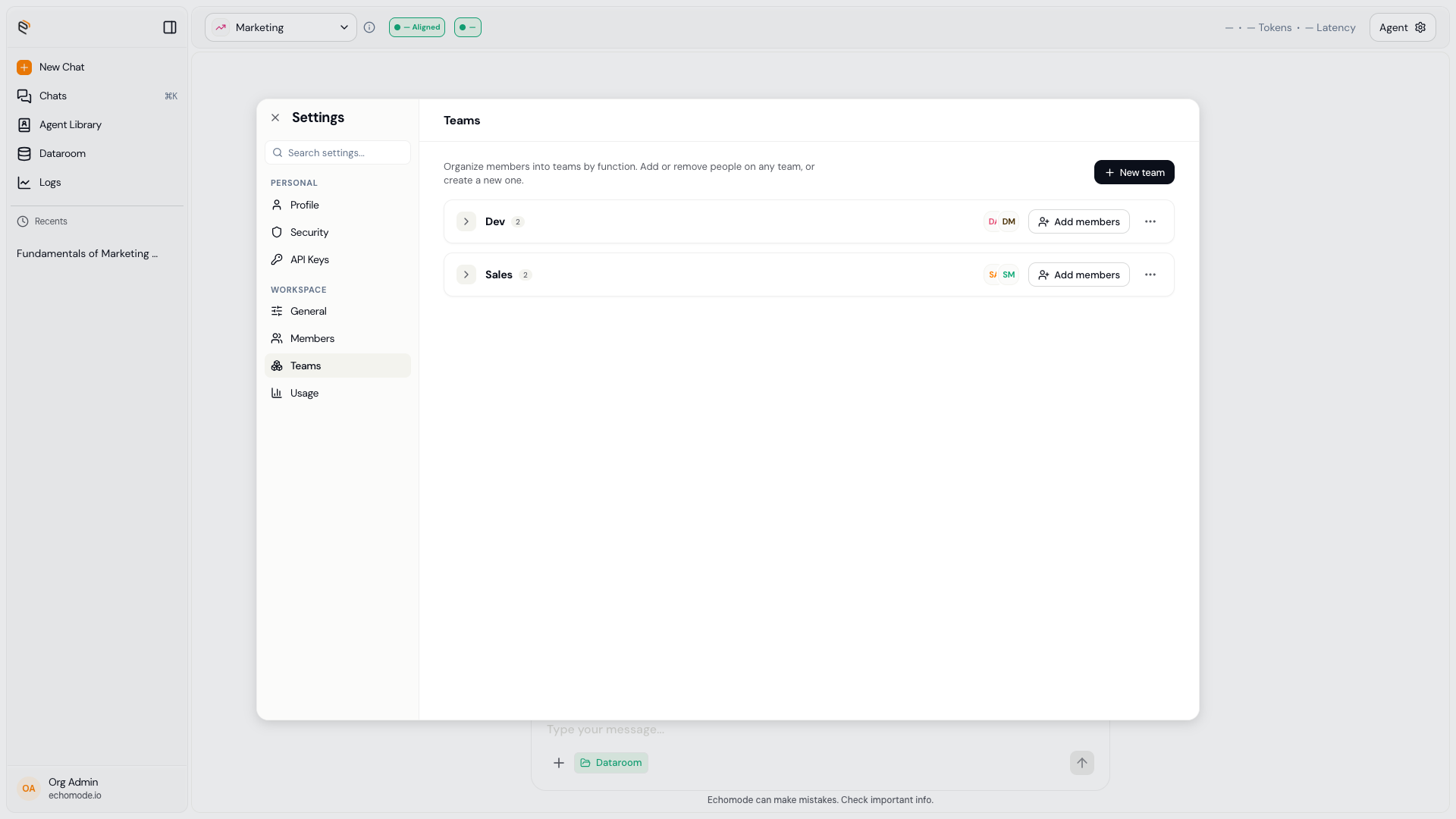
Workspace settings: your teams and the people on them. The organization name is set under Settings › General.
What you can manage
- Rename the organization — update your organization's name under Settings → General.
- Create and remove teams — organize people into teams.
- Manage team membership — add or remove people from a team and set their team role.
- Manage members — invite, change roles, deactivate, reactivate, or remove people (see Roles & permissions).
INFO
The full members and teams management screens live in workspace settings. If a control isn't visible in your build yet, it may not be surfaced in your version.
TIP
Want to see your own role and the teams you're on? Open Settings → Profile, where your workspace membership is listed. See Profile & avatar.